
Choose a label printer based on your startup’s daily label volume, label size, printing method (thermal transfer or direct thermal), connectivity needs, and long-term supply cost. Avoid overspending on features you won’t use.
Every startup wants efficiency. But few founders realize how much time and money small tools can drain. A label printer looks simple. It is not. The wrong one increases supply costs, slows operations, and creates rework.
Whether you run an eCommerce store, a food brand, or a small warehouse, labeling is part of your daily workflow. Shipping labels. Product barcodes. Ingredient stickers. Asset tracking tags. It all adds up.
This guide will help you choose a label printer that fits your startup tools budget and aligns with your business setup checklist. We will break down costs, features, real-world examples, and buying mistakes to avoid.
Why Does Your Startup Need a Label Printer in the First Place?
Short answer: A label printer reduces outsourcing costs, improves branding, and speeds up shipping and inventory management.
Many founders start by printing labels on A4 paper with a standard inkjet printer. It works in the beginning. But once order volume increases, problems appear:
- Ink cost rises.
- Labels smudge.
- Cutting and taping waste time.
- Shipping errors increase.
According to industry logistics reports, small eCommerce businesses processing 50–100 orders daily save up to 30% on labeling costs by switching to thermal label printers instead of ink-based printers.
A dedicated label printer improves:
- Shipping accuracy
- Warehouse efficiency
- Brand presentation
- Inventory tracking
If your startup sells physical products, a label printer is not optional. It belongs on your business setup checklist.
What Types of Label Printers Should Startups Consider?
Short answer: Most startups should choose between direct thermal and thermal transfer printers.
1. Direct Thermal Printers
These use heat-sensitive paper. No ink. No ribbon.
- Lower upfront cost
- Minimal maintenance
- Ideal for shipping labels
- Labels may fade over time
Best for: eCommerce, courier labels, warehouse shipping.
2. Thermal Transfer Printers
These use a ribbon to transfer ink onto the label.
- More durable prints
- Resistant to heat and moisture
- Higher supply cost
Best for: food packaging, cosmetics, long-term storage labels.
Comparison Table
| Feature | Direct Thermal | Thermal Transfer |
|---|---|---|
| Ink Required | No | Yes (Ribbon) |
| Durability | Moderate | High |
| Startup Cost | Lower | Medium |
| Best Use | Shipping Labels | Product Labels |
How Much Should a Startup Spend on a Label Printer?
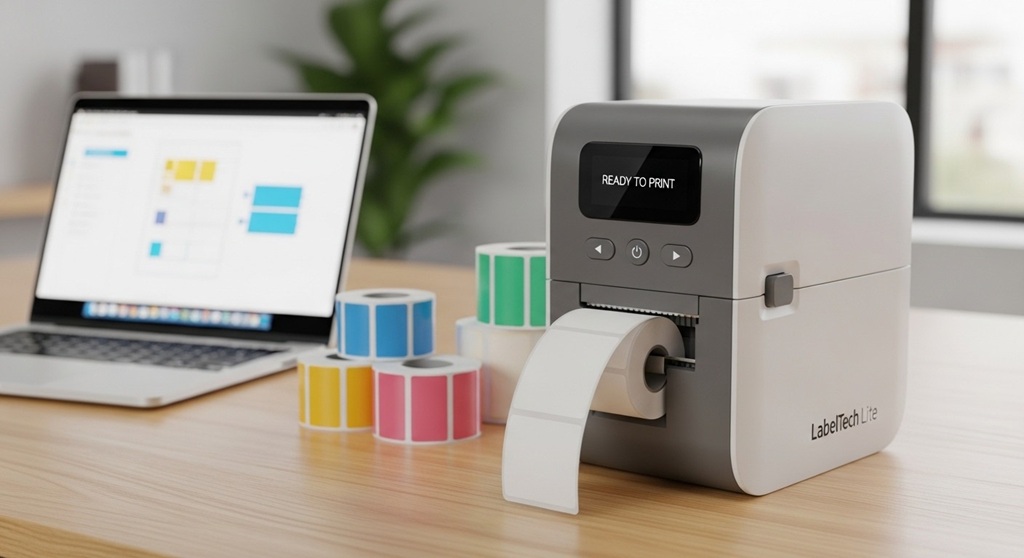
Short answer: Most startups should budget $100–$400 depending on daily usage.
Do not buy based only on price. Instead, calculate total cost of ownership:
- Printer price
- Label roll cost
- Ribbon cost (if applicable)
- Maintenance cost
- Replacement parts
Case Study Example
A small online clothing startup processed 80 orders daily. Initially, they used a $70 inkjet printer. Monthly ink and paper costs reached $95. They switched to a $220 thermal printer. Their monthly label supply cost dropped to $38.
Annual savings: approximately $684.
This is how smart startup tools reduce operational cost.
What Features Should You Look for in an Affordable Label Printer?
Short answer: Prioritize print speed, resolution, label compatibility, connectivity, and software support.
1. Print Speed
Measured in inches per second (IPS). For startups handling 50+ orders daily, 4–6 IPS is sufficient.
2. Print Resolution
- 203 DPI: Standard shipping labels
- 300 DPI: Product barcodes and detailed labels
3. Connectivity Options
- USB (basic)
- Bluetooth (mobile printing)
- WiFi (shared office use)
4. Label Size Flexibility
Check maximum width. Common startup requirement: 4×6 shipping labels.
5. Software Compatibility
Ensure integration with:
- Shopify
- Amazon Seller Central
- Etsy
- WooCommerce
This ensures smooth workflow across your startup tools ecosystem.
Should You Buy a Brand-New or Refurbished Label Printer?
Short answer: Refurbished printers are cost-effective if purchased from verified sellers with warranty.
Many logistics companies upgrade hardware every 2–3 years. Their older models are resold after inspection.
Benefits:
- 30–50% lower price
- Industrial-grade durability
- Long lifespan
Risk comes only when warranty is missing. Always check for at least 3–6 months coverage.
How Does Label Volume Affect Your Choice?
Short answer: Higher volume requires stronger build quality and faster print speed.
Low Volume (1–30 labels/day)
- Entry-level desktop printer
- Basic USB connection
Medium Volume (30–200 labels/day)
- 4-inch direct thermal printer
- Auto cutter recommended
High Volume (200+ labels/day)
- Industrial-grade printer
- Metal housing
- Faster processing chip
Choosing incorrectly results in overheating and frequent breakdown.
What Common Mistakes Should Startups Avoid?
Short answer: Avoid buying oversized machines, ignoring label cost, and skipping compatibility checks.
- Buying a large industrial printer too early
- Ignoring ongoing label supply expenses
- Choosing printers without driver support
- Overlooking return policies
- Ignoring warranty
Many founders treat printers as minor equipment. In reality, labeling errors cause shipping delays and customer complaints.
How Does a Label Printer Fit Into Your Business Setup Checklist?
Short answer: It supports logistics, branding, compliance, and asset tracking.
Here is how it connects to your business setup checklist:
- Inventory management system
- Barcode generation software
- Shipping integration
- Brand packaging consistency
Label printing intersects with accounting, warehouse setup, and marketing. It is more than just printing stickers.
How Can You Calculate ROI Before Buying?
Short answer: Compare monthly outsourcing cost vs in-house printing cost.
Example:
- Outsourced labeling cost: $0.15 per label
- Monthly volume: 1,500 labels
- Total monthly cost: $225
In-house cost using thermal:
- Label roll cost per label: $0.04
- Total monthly cost: $60
Monthly savings: $165
Annual savings: $1,980
A $300 printer pays for itself in less than 2 months.
Conclusion: What Should You Do Next?
Choosing an affordable label printer is not about finding the cheapest machine. It is about aligning your equipment with your startup’s workflow.
Start by calculating daily label volume. Identify whether you need shipping labels or durable product tags. Compare total ownership cost, not just purchase price. Check integration with your existing startup tools.
Remember, small operational decisions compound over time. The right printer reduces cost, saves time, and improves order accuracy.
Next step: Review your current business setup checklist. Audit your labeling workflow. Calculate monthly label volume. Then shortlist two models that meet your operational needs and budget.
Smart infrastructure decisions build sustainable startups. Make this one count.
Frequently Asked Questions (FAQ)
1. What is the most affordable label printer type for startups?
Direct thermal printers are usually the most affordable because they do not require ink or ribbons. They are ideal for shipping labels and short-term use.
2. How long do thermal labels last?
Direct thermal labels typically last 6–12 months depending on storage conditions. Thermal transfer labels last several years and resist heat and moisture.
3. Can I use a regular printer instead of a label printer?
Yes, but it increases ink costs and reduces efficiency. Dedicated label printers are faster, more cost-effective, and optimized for adhesive labels.
4. What label size is standard for shipping?
4×6 inches is the most common shipping label size for carriers like USPS, FedEx, and DHL.
5. Is wireless connectivity necessary?
Not always. USB works for single-user setups. WiFi or Bluetooth is helpful in shared offices or mobile environments.
6. How much does label paper cost monthly?
For small startups printing 1,000 labels monthly, thermal labels cost approximately $30–$50 depending on brand and quality.
7. How often should a label printer be maintained?
Clean the print head every 2–4 weeks. Replace worn rollers annually depending on usage volume.
Related Topic: Low Impact Exercise Benefits Under Desk Elliptical
Read Next: Can NAC supplements help people with endometriosis?